Clone an AI voice: costs, permissions and how to choose a tool
To clone an AI voice you need your own or an authorized recording and a tool that generates audio from text. In Vocloner, commercial use is available from the Basic plan. Before choosing, check what pricing covers, prepare a clean sample, and test whether it keeps your timbre in the language you need.
8 min read
Key takeaways
- Compare the cost of producing usable audio. Check what each generation consumes and how revisions are billed.
- Record a single voice, with no music or reverb. A clear sample helps more than a long noisy recording.
- Get express permission before cloning someone else’s voice and define what it will be used for.
- Test the same excerpt in the target language before producing a full script.
How much does AI voice cloning cost and what should you compare?
Cost depends on what the plan includes and how generated audio is metered. Creating a voice and using it to narrate text are different operations; check whether both are included and what limits each one has.
If you are looking to clone an AI voice for free, use free access to check quality and workflow. Do not assume it allows publishing ads, downloading every format, or producing without limits. A trial works when you can hear an excerpt that represents your project.
| What to check | What to ask before choosing | How it affects your project |
|---|---|---|
| Voice creation | Is it included or billed separately? | Sets the cost of getting started |
| Generation usage | Is it metered by characters, duration or credits? | Lets you estimate how much script you can produce |
| New versions | Does each revision consume capacity again? | Raises cost when you fix pronunciation or intent |
| Commercial use | Does the plan allow the use you need? | Defines whether you can publish audio in paid work |
| Languages and download | Does it support your delivery language and format? | Avoids paying for a tool that cannot finish the job |
| Sample retention | Can you delete stored files? | Lets you control what material stays saved |
In Vocloner, the Basic plan allows personal and commercial use. Review Vocloner plans and terms of use before budgeting, because voice permission and text rights remain your responsibility.
Budget for revisions, not just the first version. If the project includes proper names, several languages, or emotional scenes, keep room to regenerate the excerpts that do not work.
What to prepare: a clean sample and permission to use it
To clone a voice you need a recording where the person can be heard clearly. Vocloner can start from a short sample; recording longer does not fix a distorted signal or a very echoey room.
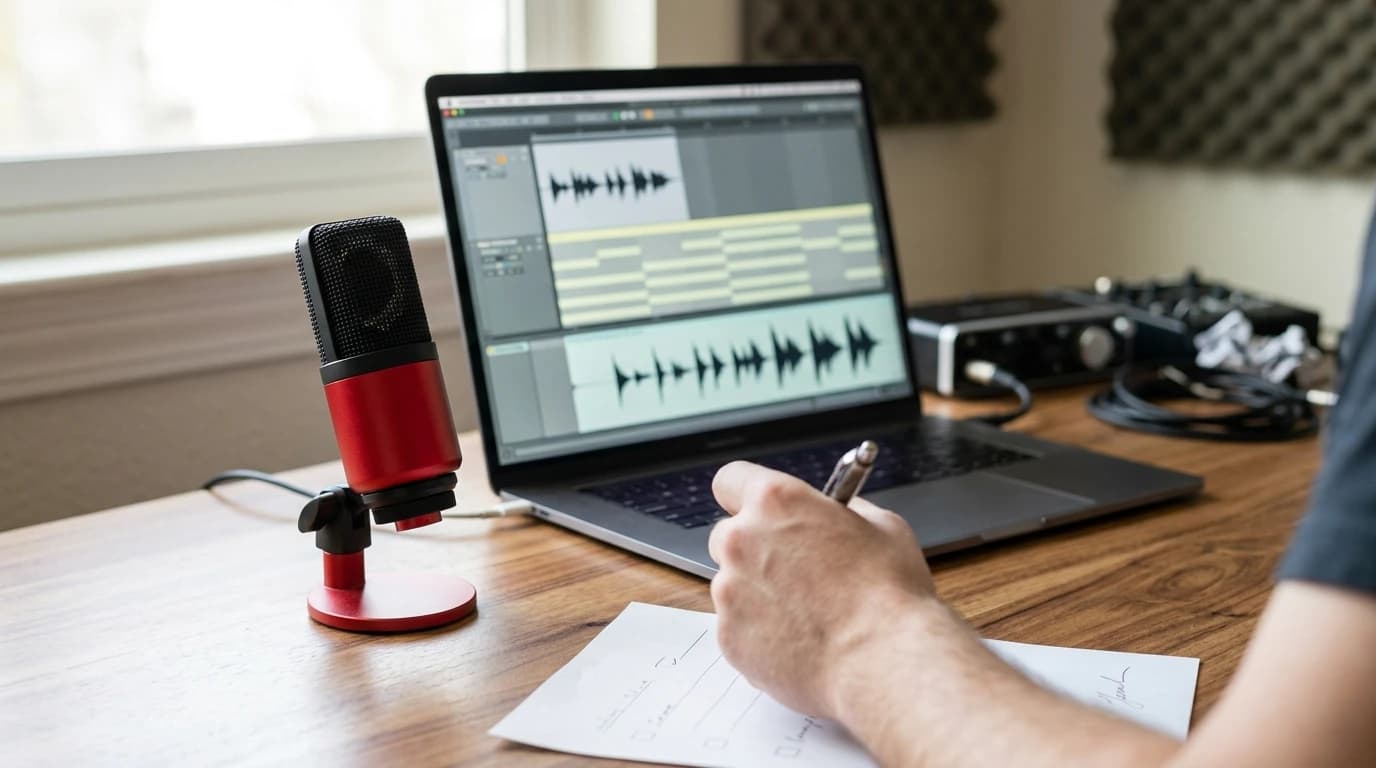
Choose a quiet space. Keep a steady distance from the microphone and speak with your usual voice, without forcing a performance you would not want to reproduce. Listen with headphones before uploading: if a word is hard to understand in the original, re-record it.
| Pre-check | How to verify it |
|---|---|
| Own or authorized voice | Confirm who is speaking and keep their express permission if it is someone else |
| Interference-free recording | Listen for music, other voices, fans, or bumps |
| Undistorted volume | Check that loud words do not sound broken or harsh |
| Representative voice | Use a speaking style close to the result you want |
| Test script ready | Include a name, a question, and an emotional line |
| Defined audio destination | Agree whether it will be private, public, or commercial and in which project it will be used |
Permission must cover the intended use. Permission to record an interview does not automatically allow synthesizing new sentences with that voice. Read the voice cloning consent policy and document the scope before uploading someone else’s material.
Privacy matters too. The EU General Data Protection Regulation treats information about an identified or identifiable person as personal data; a voice recording can fall into that category. Not every recording is, on its own, a biometric datum meant to uniquely identify someone.
Vocloner lets you privately delete stored samples. Remember that deleting a sample from the platform does not retract audio you already downloaded or published.
How to create and test your voice before producing
A voice cloner learns characteristics from the sample; then text-to-speech synthesis generates new sentences with that vocal identity. We recommend separating the initial test from production: first check that you recognize your voice, then adjust the performance.
- Upload the authorized sample. Use the clean file you reviewed and follow the platform upload requirements. Avoid recordings with several people talking.
- Write a representative excerpt. Include words that will actually appear in the project, especially names, numbers and hard-to-pronounce terms.
- Generate and listen without background music. Compare the result with your sample. Pay attention to timbre, consonants and phrase endings.
- Fix one thing at a time. Adjust text or punctuation first, then emotion. Regenerate the affected excerpt and check whether it improved.
To go from script to narration, Vocloner text to speech synthesizes what you write. Text must be prepared to be heard: expand ambiguous abbreviations and write numbers the way you want them pronounced when needed.
For example, a shortened date can be read in several ways. Writing “April third” removes an ambiguity the synthesizer would otherwise have to resolve.
Test with new text. Repeating only the sample words does not show how the voice will behave with a different script.
How to evaluate timbre, language and emotion
A useful cloned voice keeps recognizable traits and pronounces the target content clearly. Likeness alone is not enough: a narration can sound like you and still stress a name wrongly or feel flat.
If your goal is to “clone my voice with AI” to speak another language, first verify the tool supports that language. Then listen to an excerpt with help from someone fluent. Keeping your vocal identity and pronouncing well are separate checks, especially when you switch sound systems.
Vocloner combines voice cloning with word-by-word directed synthesis, emotion tags, and multi-voice dialogue. That combination lets you shape script intent, but you still need to listen: a tag does not guarantee every line has exactly the nuance you imagined.
[excited] The moment is here! We can finally share the news.
[whispering] Wait. I think there is someone on the other side.
Assign emotion where intent changes. A whispered line can create closeness; applied to a whole explanation, it can hurt listening. Punctuation helps guide rhythm, although every generation should be reviewed.
For multi-character scenes, Vocloner supports up to ten participants, depending on platform capabilities. With multi-voice dialogue in a single track, assign each line to its voice and listen to turn changes to catch replies that are too fast or characters that are hard to tell apart.
Choose the tool that passes your real test. If you need a calm explanation in another language, a flashy demo with one line in your original language proves little.
What to check before publishing audio
Before publishing a synthetic voice, check permission, content, and how the audience will understand the recording. Commercial use allowed by a plan does not replace permission from the person lending their voice.
Do not use a clone to make people believe someone said something they never approved. The US Federal Trade Commission warns about scams impersonating family voices and recommends verifying the situation through a known channel. That warning shows why consent and publishing context matter as much as sound quality.
Listen to the complete final file, even if you already reviewed excerpts. Check names and sentence meaning, and verify whether your publishing channel requires labeling synthetic content. Keep the permission next to the approved script so you can prove the agreed use.
Frequently asked questions
Does free voice cloning allow commercial use?
It depends on each tool’s terms and plan. Before publishing or selling audio, check the license and the permission from the person whose voice you used. In Vocloner, commercial use is available from the Basic plan.
How much audio do I need to clone my voice?
The required length depends on the platform. Vocloner works from a short sample; follow the upload requirements and prioritize a clear recording with no noise and no other voices.
Can I use my cloned voice to speak another language?
Yes, when the tool supports the target language. Test a short excerpt and review voice likeness and pronunciation separately, ideally with someone fluent in that language.
What is the difference between an AI voice generator and cloning?
A generator can turn text into audio using available voices. Cloning creates a vocal identity from a sample, which can then be used to synthesize new content.
Prepare a clean sample and test your voice
Then create your Vocloner account to check whether the voice keeps your identity and conveys the intent you want before producing the full script.